

What Is Edge AI and Why Is It Important for Smart Devices?
Your doorbell camera spots a person on the porch and sends you an alert before the visitor even reaches for the bell. Your phone sorts your photos by face without sending them anywhere. Your earbuds cancel background noise the moment you put them in. None of these tricks needs a distant data center to work. The thinking happens right inside the device, and that shift has a name: edge AI.
Edge AI means running artificial intelligence models on the device itself, or on a small computer nearby, instead of sending every question to the cloud. It is the reason smart devices are getting faster, more private, and more useful even when the Wi-Fi drops out. This guide explains what edge AI is, how it works, where you already meet it, and what to check before you buy your next smart device.
What Edge AI Actually Means
Most people picture AI as something that lives in a huge data center. You ask a question, it travels across the internet, a powerful server works out the answer, and the reply travels back. That is cloud AI, and it works well for heavy jobs. Edge AI flips the idea around: it moves part of that thinking to the “edge” of the network, which is the device in your hand, on your wall, or in your car.
A smart camera with edge AI does not send hours of video to a server to find out whether a person walked past. A small chip inside the camera runs a trained model and decides on the spot. Only a short alert, or a short clip, needs to leave the device. The model is trained in the cloud, then a slimmed-down version is shipped to the device.
This is not a new idea, but it has become practical only in recent years. Chips have become far more capable while using less power, and models have been redesigned to fit into small spaces. A technique called TinyML lets tiny models run on microcontrollers that cost a few dollars and sip power from a small battery. Boards such as NVIDIA Jetson and Google Coral give developers a compact platform for running vision and audio models at the edge.
How Edge AI Works Inside a Device
Three ingredients make edge AI possible: a trained model, a chip that can run it, and software that keeps the two working together. The model has learned from examples, such as thousands of images of people, pets, and cars. Training needs a lot of data and energy, so it usually happens on powerful computers in the cloud. Once the model is ready, it is compressed and converted into a form that a small chip can run quickly.
That chip is the second ingredient. Modern phones carry a dedicated neural processing unit, or NPU, alongside the main processor. Apple’s Neural Engine has been part of the iPhone for years, and Qualcomm’s AI Engine plays a similar role in Android phones. These chips are built to run the math that AI models need, and they do it using far less energy than a general-purpose processor would. Dedicated edge hardware such as NVIDIA Jetson modules and Google Coral accelerators serve the same purpose in cameras, robots, and industrial equipment.
The third ingredient is the software layer that manages the model on the device. It loads the model, feeds it data from the camera or microphone, and passes the result to the app. Frameworks such as TensorFlow Lite and ONNX Runtime are built for exactly this job. They keep the model small and make sure the work runs on the right part of the chip. When all three ingredients line up, a device can recognise a face, a word, or an object in a fraction of a second, without asking the internet for help.
Edge AI does not mean a device never talks to the cloud. Many devices split the work: quick decisions happen on the device, while heavier jobs such as retraining a model still go to the cloud.
Edge AI vs Cloud AI
Neither approach is better in every case. The right choice depends on what the job needs.
| Feature | Edge AI | Cloud AI |
|---|---|---|
| Where the work happens | On the device or nearby | In a remote data center |
| Response time | Very fast, often instant | Depends on the internet connection |
| Works without internet | Yes, for on-device tasks | No, it needs a connection |
| Privacy | Data mostly stays on the device | Data is sent to a server |
| Computing power | Limited by the device | Practically unlimited |
| Best for | Quick decisions, alerts, voice commands | Heavy analysis, training, large searches |
A doorbell that must spot a visitor in a second is a good fit for the edge. A service that searches years of video history is a better fit for the cloud. Many real products use both, and the table above shows why that mix makes sense.

Where Edge AI Shows Up in Everyday Life
Edge AI is already part of daily life, even for people who have never heard the term. The clearest example is the phone in your pocket. Face unlock, live photo captions, voice typing, and background blur in video calls all run on the phone itself. Google’s Pixel phones use the Tensor chip to handle live translation and call screening on the device, and Apple’s iPhones use the Neural Engine for on-device dictation and photo search. These features feel instant because the data never leaves the phone.
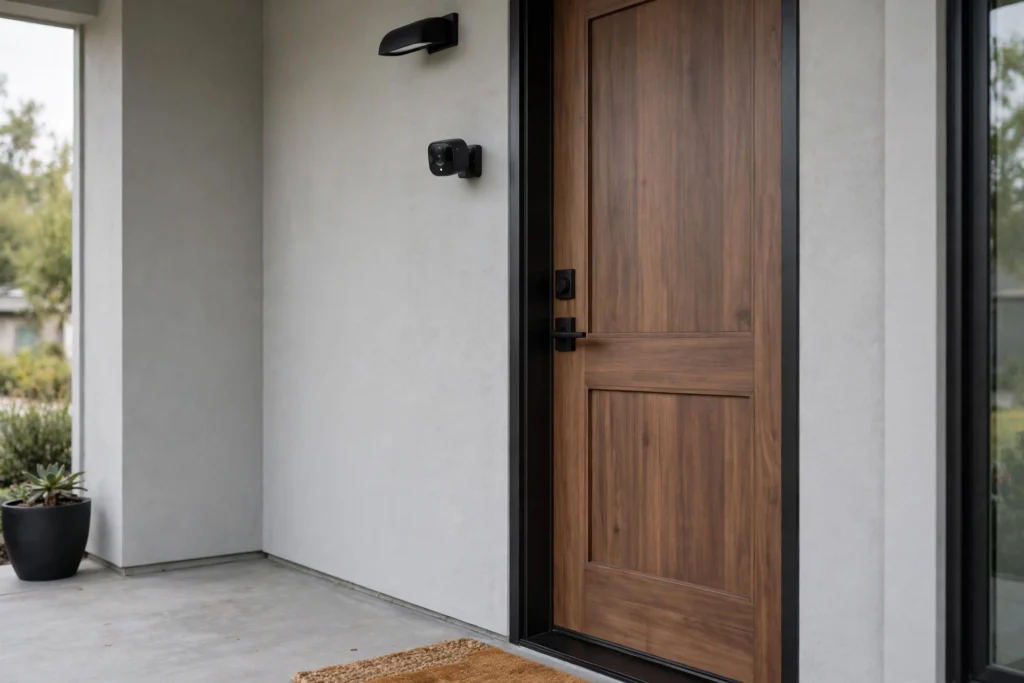
Smart home devices are the next place to look. A video doorbell with on-device inference can tell a person apart from a passing car and only bother you when it matters. A smart speaker can listen for its wake word locally, so it only starts recording after you say its name. Smart cameras can spot a package on the doorstep or a pet in the garden without streaming everything to a server all day. These devices often combine sight and sound to make sense of a room, much like the multimodal AI systems that help machines understand the real world.
Wearables show the same pattern. A smartwatch can track a run, count steps, and notice an irregular heartbeat using models that run on the wrist. In each case, the device decides quickly, quietly, and with very little power.
Beyond the home, edge AI works in factories, farms, and cars. A sensor on a factory machine can listen for the sound of a worn bearing and raise a warning before the machine breaks down. A camera on a sorting line can spot a damaged product in real time. Driver assistance systems in cars use on-device vision to read lane markings and warn about obstacles, because a delay of even a second would be too long. In each case, the decision has to happen where the action is. The models behind these quick decisions are often small language models and compact AI models built to run on limited hardware.

Why Speed and Privacy Matter Most
Two benefits explain most of the interest in edge AI: speed and privacy. Speed matters because some decisions cannot wait. A car that needs to brake, a camera that must catch an intruder, or a voice assistant that should answer at once cannot afford the round trip to a server and back. When the model sits on the device, the answer comes back in milliseconds, and it keeps working when the connection drops.
Privacy matters because the data stays closer to home. A camera that analyses video on the device can send you a simple alert — “person at the door” — instead of a constant stream of footage. A phone that transcribes your voice locally never uploads your words to a server. That does not make a device perfectly private, since updates and cloud backups still exist, but it shrinks the amount of personal data that has to travel and be stored elsewhere.
There is a third benefit that gets less attention: lower running costs. Sending every frame of video or every second of audio to the cloud uses bandwidth and server time, and both cost money. Devices that handle the routine work themselves send far less data, which cuts bills and eases the load on networks. This is one reason makers of cameras, appliances, and wearables have pushed so much intelligence onto the device itself. New kinds of low-power chips, including the brain-inspired designs described in our guide to neuromorphic computing, could make this on-device work even more efficient in the years ahead.

Practical Tips for Choosing Smart Devices with Edge AI
If you are shopping for a smart device, a few checks help you pick one that makes good use of edge AI.
- Look for on-device processing in the specs. Product pages often say “on-device AI”, “local processing”, or “works offline”.
- Check what happens when the internet drops. A good edge device keeps its core features working offline. A doorbell should still record, and a speaker should still run timers, even when the Wi-Fi is down.
- Ask where your data goes. Read the privacy settings before you buy. Devices that process video or voice locally usually say so clearly, and many let you turn cloud uploads off.
- Match the chip to the job. A doorbell needs a modest chip for person detection, while a robot vacuum mapping a home needs more. You do not need the most powerful hardware, only enough for the task at hand.
- Keep the software updated. Edge models improve through updates, and makers push new models to devices over time. Turn on automatic updates so your device keeps getting smarter.
- Test the response time in the shop or at home. Say the wake word, wave at the camera, or open the app. If the device feels slow on a good connection, it will feel worse on a bad one.

Common Mistakes and Considerations
Edge AI is useful, but it has limits, and buyers often run into the same few traps.
- Expecting a small device to do everything. A doorbell chip cannot run a large language model or analyse years of footage. Buy the device for the job it is built for, and let the cloud handle the heavy work.
- Assuming “edge” means fully private. Local processing helps, but many devices still send clips, logs, or usage data to the cloud. Check the settings and read what the maker collects.
- Ignoring storage limits. A camera that records locally needs enough storage for the clips you want to keep. Check whether it uses a memory card, a hub, or a subscription for storage.
- Forgetting about power use. On-device AI uses energy, and a battery-powered camera will drain faster when its model runs all day. Look at battery life figures for real-world use, not just standby.
- Skipping updates. An edge model that never updates slowly falls behind. A camera bought in 2022 may miss new tricks unless its maker still supports it, so check how long updates are promised.
- Buying for a feature you will not use. Face recognition and package alerts sound clever, but they only matter if they fit your home. Pick the features you will actually notice day to day.
Final Thoughts
Edge AI is not a distant idea. It is already inside the phone that unlocks with your face, the doorbell that knows a visitor from a van, and the watch that tracks your run without a signal. By moving the thinking onto the device, it makes smart devices faster, more private, and more reliable when the connection fails. The cloud still has its place for the heaviest jobs, but the quick decisions that shape daily life now happen at the edge. When you buy your next smart device, look for that local intelligence — it is the quiet difference between a gadget that waits on the internet and one that simply works.