
How Multimodal AI Is Making Machines Better at Understanding the Real World
Ask a chatbot a question in plain text and it answers in text. Show it a photograph, a chart, or a screenshot, and older systems had nothing to say. Multimodal AI is the step that closes that gap: models that take in text, images, audio, and video together, and reason across all of them at once.
The shift matters because the real world does not arrive as tidy paragraphs. It arrives as pictures, voices, documents, and moving scenes. This article explains how multimodal AI works, where it is already being used in early 2024, and what it still gets wrong.

What “Multimodal” Actually Means
A modality is simply a type of input: text is one, an image another, audio a third. A single-modality model handles one of these. A multimodal model accepts several — you can send it a photo with a typed question, or a voice note with a document — and produces an answer that draws on all of them.
The idea is not brand new. Researchers have connected image and text models for years; OpenAI’s CLIP, released in 2021, learned to match pictures with captions, and its Whisper system turned speech into text reliably. What changed in late 2023 is that the pieces moved into single, general models. Google’s Gemini, announced in December 2023, was described as built to be multimodal from the start, rather than assembled from separate parts afterward. OpenAI’s GPT-4 with vision had already shown the demand, answering questions about uploaded images, diagrams, and screenshots.
How Multimodal AI Works, in Plain Terms
Under the surface, each type of input is converted into numbers the model can compare. A photo becomes a long list of values describing shapes, colors, and objects; a sentence becomes values describing meaning; a sound clip becomes values describing tone and words. Engineers call these conversions embeddings, and the trick of multimodal AI is training the model so that related things — a picture of a dog and the word “dog” — land near each other in that numerical space.
Training uses enormous collections of paired material: images with captions, videos with transcripts, documents with their text. The model learns by predicting missing pieces — guessing a caption from an image, or answering a question from a chart — until the connections become useful. The result is not understanding in the human sense. It is pattern matching at a scale wide enough to feel like understanding in many everyday situations.
That gap between feeling and fact explains both the impressive demonstrations and the strangest failures, and it is worth keeping in mind as the uses spread.

Where Multimodal AI Already Shows Up
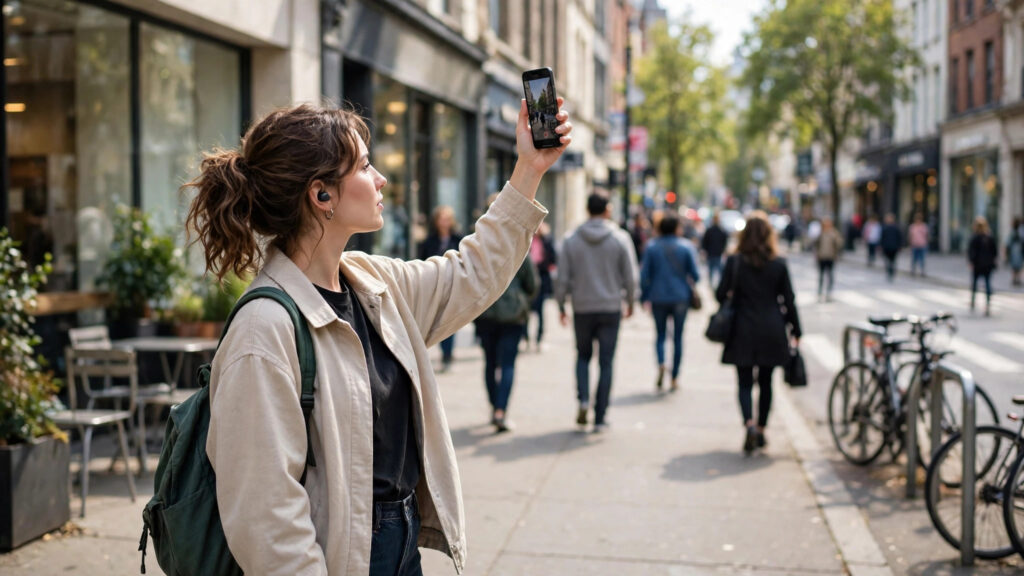
The clearest early uses involve pictures plus questions. Accessibility tools describe photographs aloud for blind and low-vision users, in far more detail than older automatic descriptions managed. Office workers paste screenshots of error messages, charts, or handwritten notes and ask for explanations or summaries. Students photograph a diagram and ask what it shows.
Businesses are applying the same ability to paperwork. Invoices, forms, receipts, and contracts can be read as images and turned into structured data, including the stamps, signatures, and awkward layouts that defeated older scanning software. Retailers test it on shelf photographs to spot empty spaces and misplaced products. Support teams let customers photograph a broken appliance instead of describing the part that failed.
Audio and video are catching up. Meeting tools already combine transcripts with the slides that were on screen, and video search can look for a described moment — “the part where the price was mentioned” — instead of forcing a manual hunt through the timeline. These uses are uneven, but the direction is consistent: less typing, more pointing the model at the world.
Practical Tips for Using Multimodal Tools Well
The current tools reward a specific way of asking. These habits get noticeably better results:
- Give the model context with the image. “Explain this chart to a new employee” beats “explain this” every time.
- Ask for a description before a conclusion. A step-by-step reading of a photo or document is easier to check than a one-line verdict.
- Use it for drafts, not decisions. Let it summarize the meeting, label the photos, or read the form — then verify anything that matters.
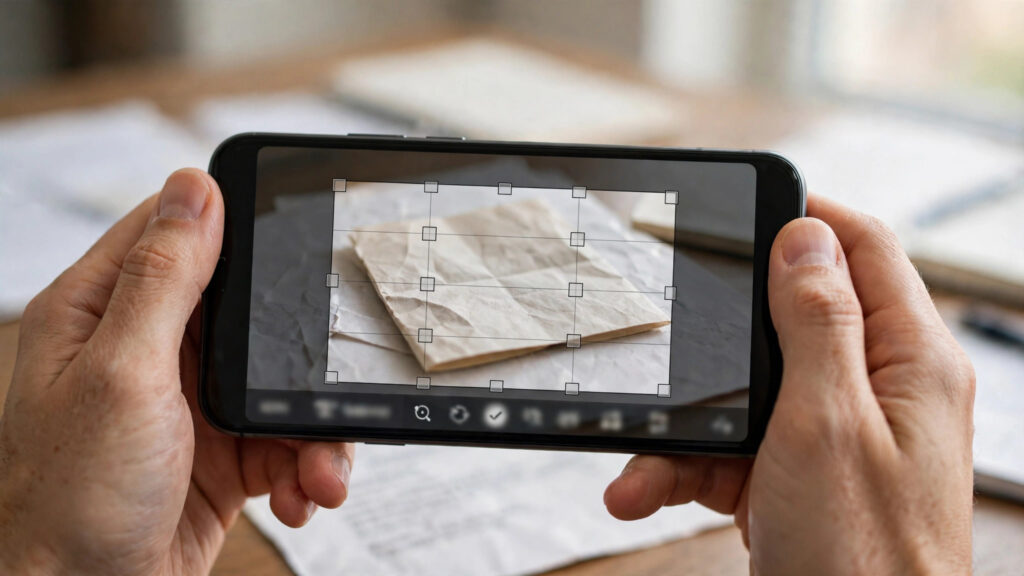
- Crop and clarify. A tight crop of the relevant part of a document works better than a blurry photo of the whole desk.
- Keep private material private. Know whether an uploaded image is stored, or used for training, before sending documents with personal details.
None of this requires technical skill. It is the same judgment you would use with a fast, confident assistant who occasionally guesses: helpful, and worth double-checking.
Common Mistakes and Considerations
Multimodal demonstrations make the technology look more reliable than it is. Keep these limits in mind:
- Trusting image reading completely. Models miscount objects, misread small text, and invent details that are not in the picture.
- Assuming the model saw what you saw. It works from the pixels you sent, so a cropped or dark photo changes the answer.
- Feeding it sensitive images by default. Faces, documents, and screens deserve the same caution as any file uploaded to a new service.
- Expecting one model to be best at everything. Skill with charts does not guarantee skill with handwriting, contracts, or medical scans.
- Confusing fluency with accuracy. A confident, well-written description can still be wrong about the one detail you needed.

Used with those limits understood, multimodal AI is a genuine step forward. Used as an oracle, it will eventually hand you a polished, plausible mistake.
Final Thoughts
Multimodal AI matters because it matches how people naturally share information — a photo, a voice note, a document, a question asked out loud. The models of early 2024 are imperfect readers of the world, but they are already useful ones, especially for describing, sorting, and summarizing visual material. The skill worth building now is not prompting tricks. It is knowing which jobs to hand over, and which answers to check before you act on them.
Frequently Asked Questions
What is multimodal AI in simple terms?
It is AI that can take in more than one type of input — text, images, audio, and video — and answer using all of them together. Instead of only chatting in words, you can show it a photo or a chart and ask questions about what it contains.
How is multimodal AI different from a regular chatbot?
A text-only model can only work with words. A multimodal model can also examine an image, listen to audio, or read a document you upload, and combine that material with your question. The conversation feels similar; the range of things you can hand it is much wider.
What are the best uses of multimodal AI right now?
Describing images for accessibility, explaining charts and screenshots, extracting data from forms and invoices, summarizing meetings from recordings and slides, and searching photos or videos by describing what you are looking for. In each case, a person checks the result before acting on it.
Can multimodal AI understand videos?
Early versions can work with short clips and sequences of frames, which is enough to summarize what happened or find a described moment. Long, detailed video understanding is still developing, and results vary a lot between tools. Expect this to be one of the fastest-improving areas.
Is it safe to upload personal photos and documents?
It depends on the service. Some tools store uploads or use them to improve their models; others process them without keeping copies. Read the privacy settings before uploading documents with financial, medical, or identifying details, and choose tools that let you opt out of training use.