

How AI-Powered Personal Assistants Are Becoming More Independent
AI personal assistants are changing from simple voice tools into helpers that can act on their own. The first assistants answered questions and set timers. The newer ones can plan a day, book a table, summarise an inbox, and carry out multi-step tasks with little input from the user. The shift is from waiting for orders to taking initiative.
The change gathered speed in late 2024 and early 2025. Apple rolled out Apple Intelligence on iPhones, Google expanded Gemini across Android, and OpenAI introduced scheduled tasks and a research preview of Operator, an agent that can use a web browser on its own. This article explains how AI assistants are becoming more independent, what they can do today, and what still needs a human in charge.

From Voice Commands to Independent Action
The first generation of assistants, such as Siri, Alexa, and Google Assistant, worked on a simple pattern. The user gave a command, and the assistant did one thing. Ask for the weather and you got the weather. Ask for a timer and the timer started. The assistant had no memory of the wider context and no ability to chain actions together.
Today’s assistants are different because they are built on large language models that can reason about a task in plain language. Instead of matching a command to a fixed script, the assistant reads a request, works out the steps, and carries them out. Ask it to “prepare for my 10 o’clock meeting” and it can check the calendar, read the meeting notes, pull up the relevant files, and draft a short brief. That is a chain of actions, not a single command.
The key change is the ability to use tools. An assistant can now open apps, read email, browse the web, and call other services. This is the same agent pattern described in our guide to agentic AI. The assistant takes a goal from the user and works through it step by step, checking results as it goes. When a step fails, it can try another way or ask the user for help.
What Assistants Can Do on Their Own in 2025
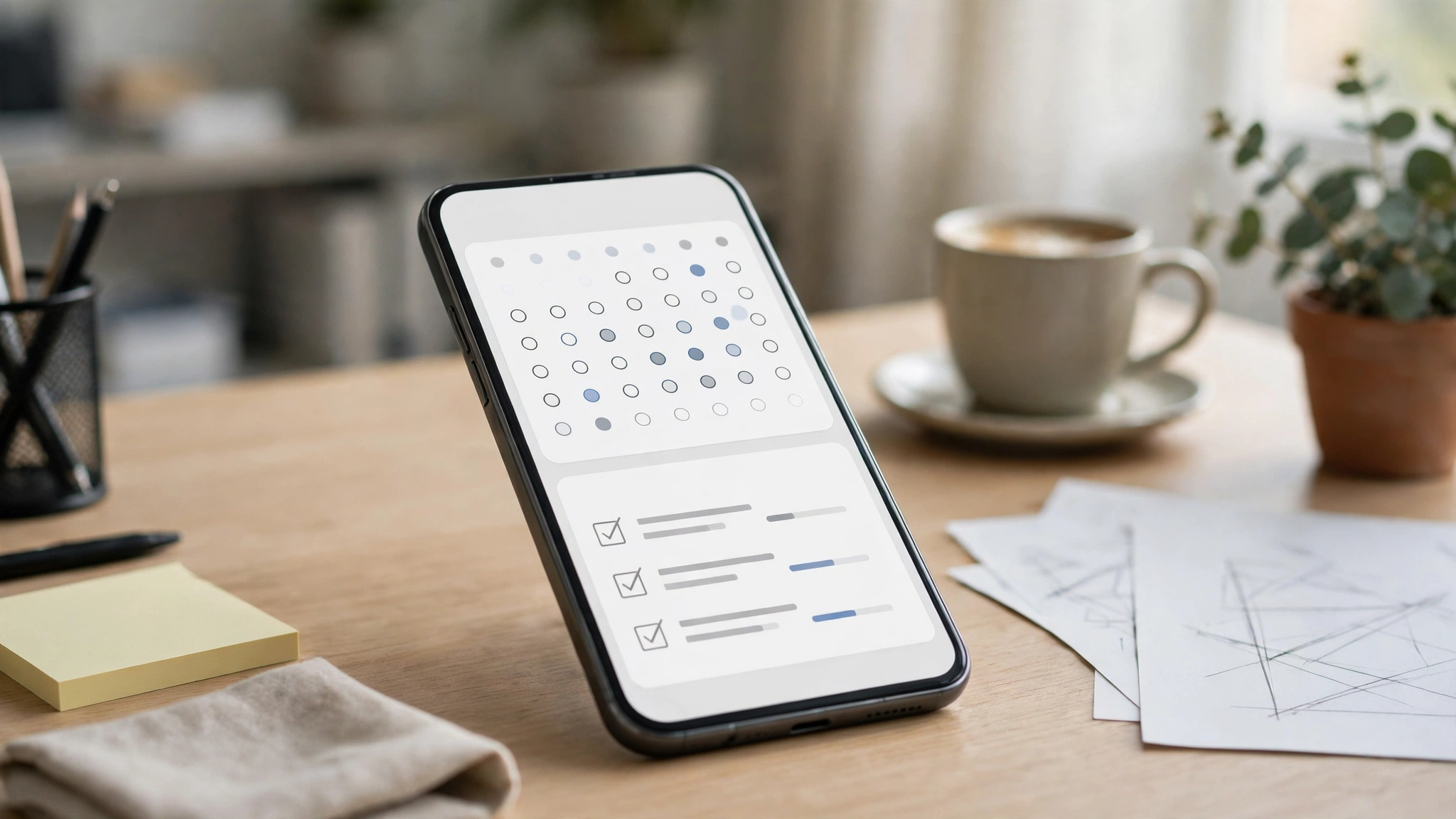
Scheduling is one of the clearest examples. An assistant can look at a calendar, find a free slot, check the time zones of the people involved, and send the invitation. It can also reschedule when a conflict appears and warn the user before a meeting clashes with a flight. The user sets the goal, and the assistant handles the back and forth.
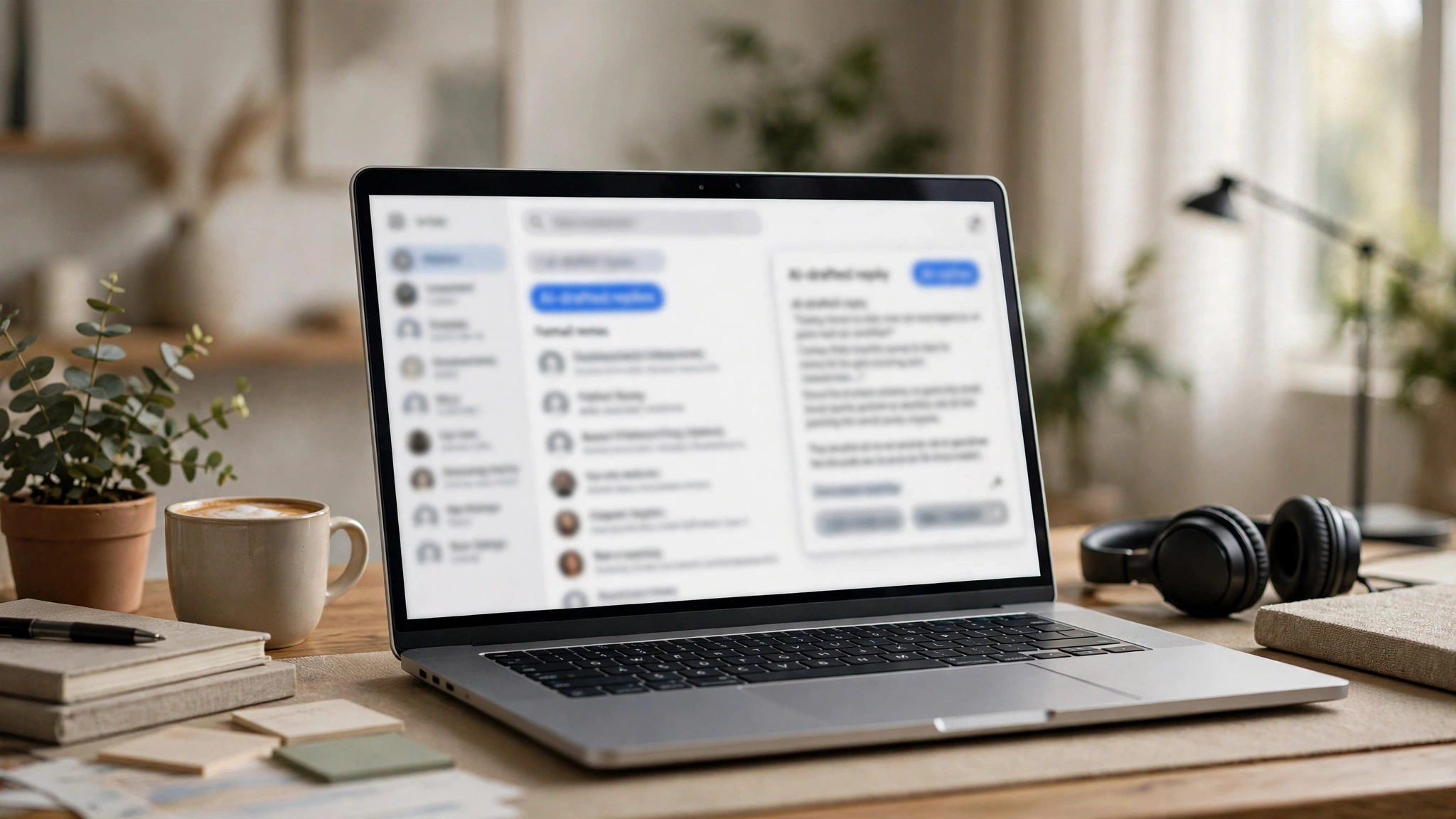
Email and messages are another area. Assistants can now sort an inbox, draft replies in the user’s style, and flag the messages that need a real decision. Apple Intelligence added writing tools and notification summaries to the iPhone in late 2024. Google’s Gemini can summarise long email threads and draft replies inside Gmail. The user still reviews what goes out, but the first draft is already written.
Research and planning have also improved. An assistant can gather information from the web, compare options, and present a short summary. Planning a trip, for example, can start with one request: the assistant checks flight times, hotel prices, and the weather, and puts the options in a simple list. OpenAI’s Operator, shown in a research preview in January 2025, goes a step further by opening a browser and filling in forms itself. Assistants are also beginning to work with machines in the physical world, a field known as physical AI. A robot with an assistant’s intelligence can fetch an item from another room or help a person with a physical task, and that connection between assistants and robots is likely to grow.
Voice is becoming more natural too. Google’s Gemini Live and OpenAI’s Advanced Voice Mode, both released in 2024, let users talk to an assistant in a flowing conversation, with interruptions and follow-up questions. The assistant remembers what was said earlier in the conversation, so the user does not have to repeat the context. This makes the assistant feel less like a tool and more like a helper that is paying attention.
Assistants are also spreading into the car and the home. In a car, an assistant can read messages aloud, find a charging station on the route, and adjust the heating before the driver asks. At home, it can turn off the lights, lock the doors, and set the thermostat as part of a bedtime routine. These jobs are small on their own, but together they show what independence really means: the assistant notices what needs doing and does it, rather than waiting to be told. The key is that each of these actions is low risk and easy to undo. A light switched off by mistake is a small problem. A payment made by mistake is not. That is why the most independent assistants today handle the everyday jobs first and leave the high-stakes ones to the user.

How Assistants Understand You Better
A big part of independence is context. An assistant that knows the user’s calendar, contacts, files, and habits can make better choices without asking the same questions again. Apple calls this personal context: the assistant on the iPhone can use information from messages, mail, and calendar to give answers that fit the user’s life. Google is doing similar work with Gemini on Android, connecting the assistant to the apps and data on the phone.
Memory is part of this too. Assistants are starting to remember facts across conversations, such as a user’s preferred meeting length or a family member’s birthday. This is useful, but it also raises questions about where that memory is stored and who can see it. Most companies now let users view and delete what the assistant remembers, and that control matters as assistants become more personal.
On-device processing is another trend. Some assistant tasks now run on the phone itself instead of in the cloud. That makes answers faster and keeps private data off company servers. Apple’s Private Cloud Compute, introduced with Apple Intelligence, is designed to handle harder tasks in the cloud without storing the user’s data. The balance between on-device and cloud processing will shape how much people trust their assistants.
| Assistant | What it runs on | Notable independent feature in early 2025 |
|---|---|---|
| Apple Siri with Apple Intelligence | iPhone, iPad, Mac | Writing tools, notification summaries, personal context |
| Google Gemini | Android, web | Gemini Live voice, Gmail summaries, app connections |
| ChatGPT with voice and tasks | iOS, Android, web | Advanced Voice Mode, scheduled tasks, Operator preview |
| Microsoft Copilot | Windows, Microsoft 365 | Copilot+ PCs, drafting and summarising in Office apps |
The table above shows that every major platform now offers an assistant that can act, not only answer. The differences are in which apps each assistant can reach and how much of the work happens on the device.
The Limits of an Independent Assistant
For all the progress, assistants still make mistakes. They can misunderstand a request, pull the wrong information, or take an action the user did not intend. A misread calendar entry can lead to a double booking. A wrong draft can go to the wrong person. That is why most assistants still ask for confirmation before they send a message, make a purchase, or change a booking.
Privacy is a real concern. An assistant that can read email, messages, and files has access to a person’s private life. Users need to know what the assistant can see, where that data goes, and how to turn access off. The companies building these tools have added privacy controls, but the responsibility still sits with the user to check them.
Not every assistant idea has worked. The Humane AI Pin, a wearable assistant launched in 2024, was discontinued in February 2025 after poor reviews and weak sales. The Rabbit R1, another standalone assistant device, also struggled to find buyers. The lesson is that people want their assistant inside the phone and computer they already use, not in a new gadget they have to carry.
There are also limits on what assistants can do across apps. An assistant may work well inside one company’s apps and poorly across others. Booking a flight, for example, may need access to a travel app, a payment method, and an email account that all belong to different companies. Until those connections are smoother, the most independent assistants will be the ones inside a single ecosystem.

Practical Tips / Examples / Things to Know
- Start with low-risk tasks, such as summarising emails or drafting messages, before letting an assistant handle bookings or payments.
- Turn on confirmation prompts for any action that sends a message, spends money, or changes a booking.
- Check what personal data your assistant can access, and switch off access to apps it does not need.
- Review the assistant’s memory settings and delete facts you do not want it to keep.
- Use voice mode for quick questions and brainstorming, and switch to text when accuracy matters.
- Test the assistant with a real task, such as planning a meeting, and see where it asks for help.
- Keep the assistant’s summaries as a starting point, and read the original message before replying to anything important.
Common Mistakes / Considerations / What to Avoid
- Letting an assistant send messages or make bookings without checking the details first.
- Giving an assistant access to every app and account when it only needs a few.
- Trusting a summary without reading the original, especially for money, health, or legal matters.
- Assuming the assistant remembers everything, when its memory may be limited or switched off.
- Buying a standalone assistant gadget before checking whether your phone already does the same job.
- Sharing sensitive information in a voice conversation in a public place.
- Expecting the assistant to work the same way across different companies’ apps and services.
Final Thoughts
AI personal assistants are moving from simple voice commands toward real independence. They can plan, research, draft, and carry out multi-step tasks, and they understand their users better than ever. The change is real, but it is not complete. Assistants still need checks before they act, and they still work best inside one company’s apps. The smart approach is to give an assistant real work in small steps, keep confirmation on for anything important, and stay in charge of the decisions. Used that way, an assistant saves time every day without handing over control.