

How Smart Buildings Use Sensors to Reduce Energy Waste
Most commercial buildings waste a surprising amount of energy heating, cooling, and lighting empty rooms. A conference room can sit empty for hours with the air conditioning running at full power, and a corridor can stay brightly lit long after everyone has gone home. Smart building sensors exist to fix exactly this kind of waste.
These small devices measure occupancy, temperature, light, humidity, and air quality, then feed that information to a building management system that adjusts heating, cooling, ventilation, and lighting in real time. The result is a building that responds to the people inside it instead of running on a fixed schedule. For building owners, the appeal is straightforward: lower energy bills, more comfortable occupants, and a smaller carbon footprint. This guide explains how smart building sensors work, which types matter most, and what to consider before installing them.
What Smart Building Sensors Actually Do
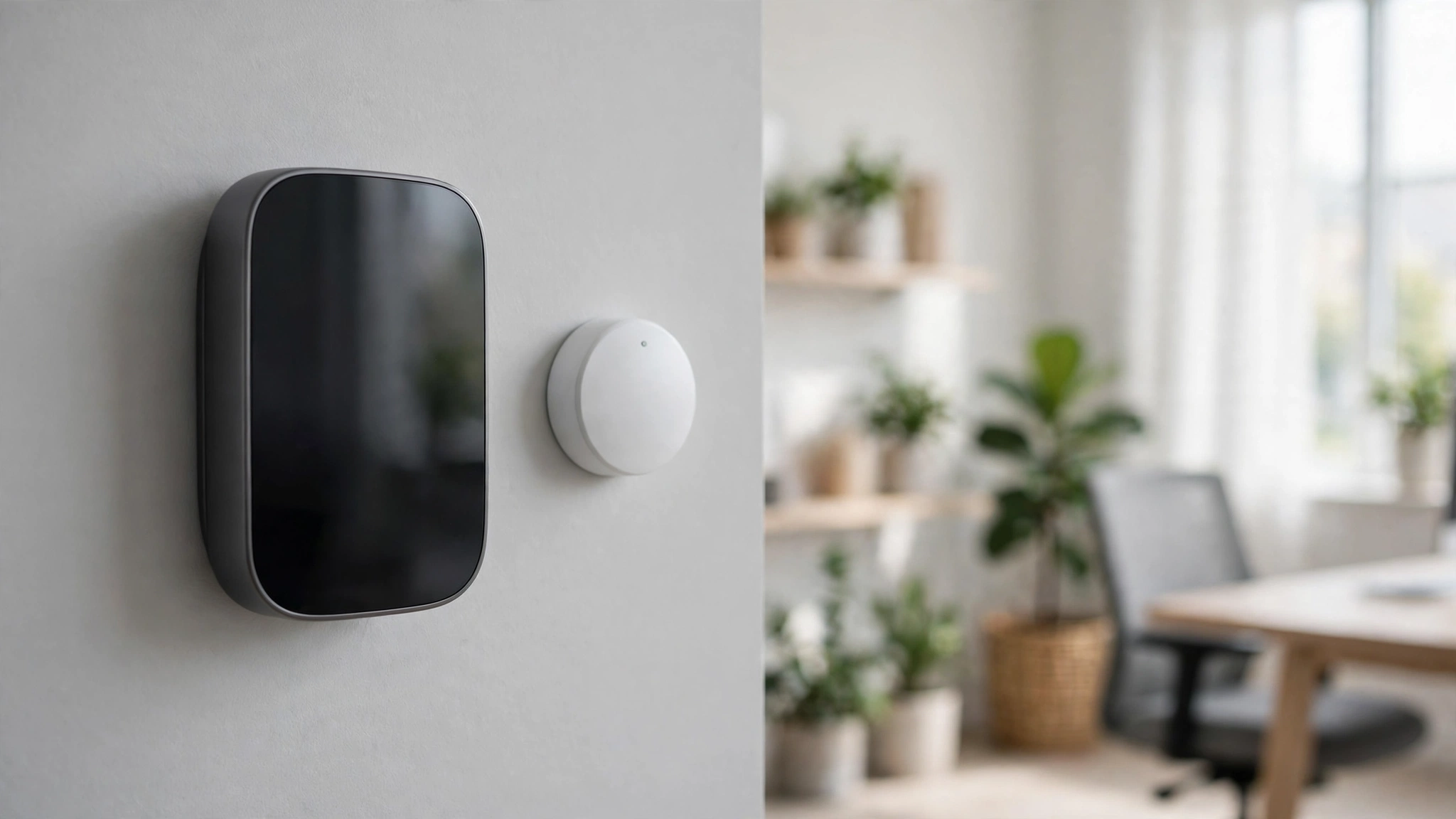
A smart building sensor is a small device that measures one aspect of its surroundings and reports the reading to a central system. On its own, a single sensor does very little. Its value comes from working as part of a network that gives the building a constant picture of what is happening inside it. When dozens of sensors report together, the building management system can see which rooms are occupied, which areas are too warm or too cold, and where fresh air is needed.
The building management system, often called a BMS, is the brain of the operation. It collects sensor readings and tells equipment what to do. If an occupancy sensor reports that a meeting room has emptied, the BMS can dim the lights and ease back the cooling.
If a carbon dioxide sensor shows that a crowded room needs more fresh air, the ventilation system can increase the airflow. None of this requires anyone to press a button or change a schedule by hand.
This is a step beyond a simple timer or thermostat. A timer follows a fixed schedule whether or not anyone is present, and a thermostat controls one room based on one temperature reading. A sensor network, by contrast, reacts to real conditions minute by minute. That difference is where the energy savings come from, because most buildings spend a large share of their energy on spaces that are empty or only partly used for much of the day.
Building automation is not new, but wireless sensors and cheaper electronics have made it practical for far more buildings, including offices, schools, hospitals, hotels, and warehouses.

The Main Types of Sensors in a Smart Building
Different sensors measure different things, and a good system combines several types. Each type feeds a different part of the building’s controls, and together they give a fuller picture than any single measurement could — a principle similar to multimodal AI, which also draws on more than one kind of input at once.
| Sensor type | What it measures | What it controls |
|---|---|---|
| Occupancy sensor | Whether people are present in a room | Lighting, heating, cooling, ventilation |
| Temperature sensor | Air temperature in a zone | Heating and cooling output |
| Light sensor | Daylight levels near windows and desks | Electric lighting and window blinds |
| Air quality sensor | Carbon dioxide and other pollutants | Fresh air ventilation |
| Humidity sensor | Moisture levels in the air | Ventilation, cooling, and dehumidification |
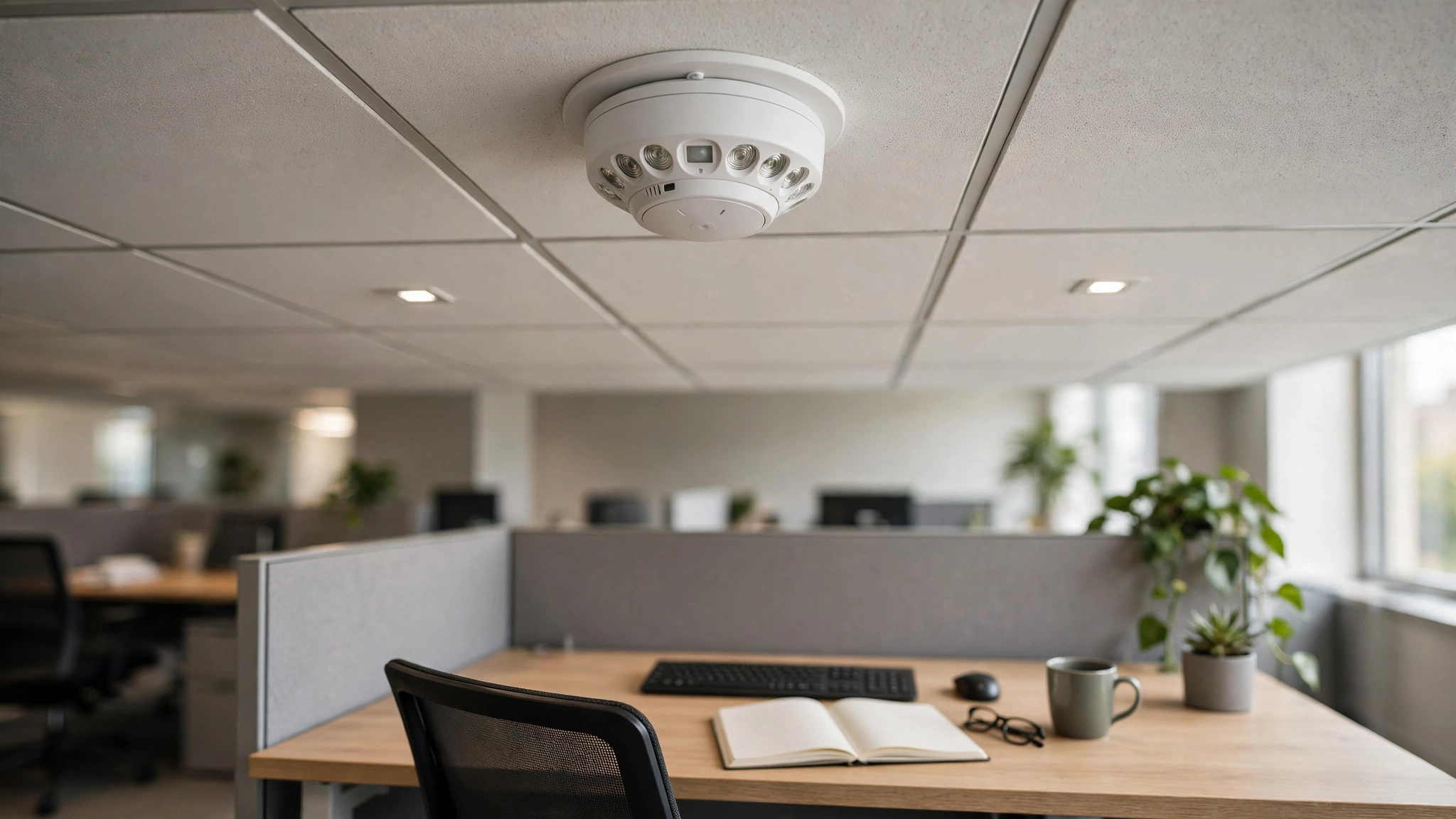
Occupancy sensors are usually the most important for saving energy. They use infrared or ultrasonic signals to detect movement or body heat, and some newer models use cameras or radar to count people more accurately. When a room is empty, they can switch off lights and tell the heating and cooling system to relax. When someone enters, everything returns to normal within seconds.
Temperature sensors are placed around a building to catch hot and cold spots. A single thermostat on one wall cannot tell you that the sunny side of an office is overheating while the shaded side is chilly. A network of them lets the system balance conditions zone by zone.
Light sensors, also called daylight sensors, measure how much natural light reaches a workspace. On a bright day they can dim the electric lights near windows, a practice known as daylight harvesting.
Air quality sensors measure carbon dioxide, which rises as people breathe in a crowded room. High levels are a sign that ventilation should increase, while low levels mean the system can ease off. Humidity sensors protect both comfort and the building itself, since damp air encourages mould.
How Sensors Cut Energy Waste
The biggest savings come from matching energy use to actual demand. Heating, ventilation, and air conditioning, usually shortened to HVAC, is the largest energy user in most commercial buildings. Lighting is usually second. Sensors attack both.
Consider a typical office floor. Without sensors, the HVAC system might run at full capacity from 7 in the morning until 7 in the evening, five days a week, regardless of how many people are actually there. With occupancy and temperature sensors, the system can reduce heating and cooling in empty zones and shut down earlier when the building empties. Lights in empty corridors, stairwells, restrooms, and meeting rooms can switch off automatically instead of burning all day.
Demand-controlled ventilation is another major saving. Many older buildings bring in a fixed amount of fresh air at all times, which means heating or cooling large volumes of outdoor air even when the building is nearly empty. Air quality sensors let the system bring in fresh air in proportion to the number of people present, which keeps the air healthy while avoiding the energy cost of conditioning air nobody needs.
Sensors also catch a subtler form of waste: equipment running when it should not be. A sensor network can flag a fan that runs all night, a valve stuck open, or a room that never reaches its set temperature. Facility teams can spot these faults from the data instead of discovering them months later on an energy bill.
Some systems use edge AI to analyse sensor data locally, on the device or in the building, so they can react quickly without sending every reading to a distant server. Smaller on-device models, sometimes called small language models, are also starting to appear in building systems that summarise sensor data. The combination of sensors and local processing is what makes a modern system feel responsive rather than slow and remote. Over time, the data also shows how the building is really used, so it stops being run on habit and starts being run on evidence.
The Benefits Building Owners See
The first benefit most owners notice is the energy bill. Lighting and HVAC savings are the most direct return on a sensor installation. The payback period depends on the size of the building, the cost of the installation, and local energy prices.
Comfort is the second benefit, and it matters more than it might sound. A building that is too hot, too cold, or stuffy makes people less productive and more likely to complain. Sensor-driven systems keep conditions steadier because they respond to real measurements rather than a schedule set months ago. Fewer hot and cold complaints means fewer calls to the facilities team and happier occupants.
There are also environmental and certification benefits. Buildings account for a large share of energy use in most countries, so cutting waste is one of the most effective ways for an organisation to reduce its carbon footprint. Sensor data provides the evidence needed for green building certifications such as LEED and WELL, which require documented proof of energy performance and indoor air quality.
Finally, sensors give facility teams information they never had before. Instead of reacting to complaints, they can see problems developing in the data. A room that keeps overheating, a floor where the air quality is consistently poor, or a wing that is lit all night becomes visible, and maintenance can be targeted where it is actually needed.

Challenges and Costs to Plan For
Sensor systems are not magic, and the projects that fail usually do so for practical reasons rather than technical ones. The first challenge is installation cost. Wireless sensors have brought prices down, but a large building may still need hundreds of devices, plus gateways and software licences. Older buildings can be especially tricky if their HVAC equipment is old or undocumented.
Connectivity is the second challenge. Wireless sensors need a reliable network, and thick concrete walls, metal ducts, and basements can all interfere with signals. Battery-powered sensors also need their batteries replaced, which becomes a real maintenance job when there are hundreds of them.
Data is the third challenge. A sensor network produces a constant stream of readings, and that data is only useful if someone looks at it. A system that nobody monitors will quietly drift out of tune, and savings will fade. Successful projects usually have a named person or team responsible for reviewing the data and keeping the system calibrated.
Privacy is a fourth consideration. Occupancy sensors that count people, or that use cameras, can raise concerns among occupants. It is important to be open about what is being measured and why, and to choose sensor types that collect as little personal information as possible. Most occupancy sensors detect presence, not identity.
There is also the question of integration. Sensors from different manufacturers do not always work together smoothly, and a building may end up with several separate systems that cannot share data. Choosing equipment that follows open standards, such as BACnet or KNX, reduces this risk, so it is worth checking compatibility before buying.

Practical Tips / Examples / Things to Know
- Start with an energy audit. Before buying sensors, find out where your building actually wastes energy. An audit shows which systems use the most power and where the quickest wins are.
- Begin with lighting and occupancy. Occupancy sensors for lighting are usually the cheapest and simplest first step, and they show results quickly.
- Pilot one floor first. Test the system on a single floor or wing, learn what works, and then expand. A pilot catches problems while they are still cheap to fix.
- Set realistic temperature ranges. A setpoint of 22 to 24 degrees Celsius in summer is comfortable for most people. Chasing a single exact temperature wastes energy.
- Involve the occupants. Tell people what the sensors do and how to report problems. A system that occupants understand gets far fewer complaints.
Common Mistakes / Considerations / What to Avoid
- Installing sensors and then ignoring them. The most common mistake is treating installation as the finish line. Sensors need ongoing attention, calibration, and review.
- Placing sensors in the wrong spot. A temperature sensor above a sunny window or next to a copier will give misleading readings. Placement matters as much as the sensor itself.
- Over-automating too fast. Switching everything to automatic control on day one can frustrate occupants. Roll out automation gradually and keep manual overrides available.
- Buying incompatible equipment. Sensors and software from different vendors may not communicate. Check that everything follows the same open standards before you buy.
- Forgetting about privacy. Occupancy tracking should be explained openly. Never install sensors that identify individuals without a clear policy and consent.
Final Thoughts
Smart building sensors are not a futuristic idea. They are practical, available technology that solves a plain problem: buildings use energy whether or not anyone is there to benefit from it. By measuring occupancy, temperature, light, and air quality, sensors let a building adjust itself to the people inside it.
The savings are real, the comfort gains are noticeable, and the data gives facility teams a clearer picture of how their buildings actually work. The technology works best when it is planned carefully, installed thoughtfully, and maintained over time. For any organisation that owns or manages a building, that is a combination worth taking seriously.